My First PSP9 Tutorial
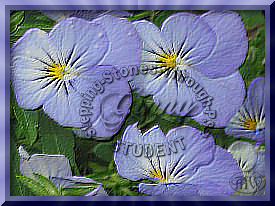
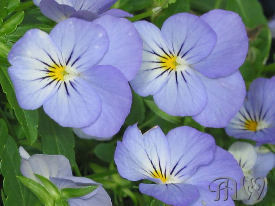
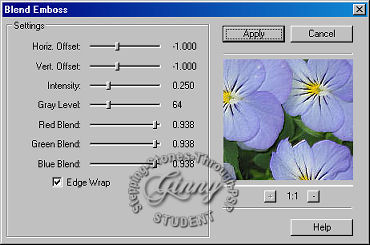
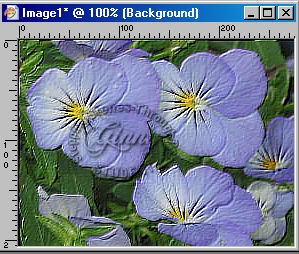
Open my image or imagine of your choice My First PSP9 Tutorial This lesson is copyrighted to the tut writer, MaryW and is used with permission by Stepping Stones Through PSP yahoo group. This lesson may not be forwarded, shared or otherwise placed on any web site without written permission from MaryW . Graphic is my own and may not be used without permission. Open my image or imagine of your choice. Duplicate it (shift D) and close original. Apply effect, FM Tile Tools, Blend Emboss at Default settings, TWICE It should look like this. Selections, select all, selections, modify, contract by 10, selections, invert, keep selected. In your material palette set foreground color set to #696D97, background set to #474789. Set foregound to foreground/background, Angle 0 Repeats 50, Style Radial. F...
 lesson50_my_creation
 original_image
 blend_emboss
 blenemboss_twice
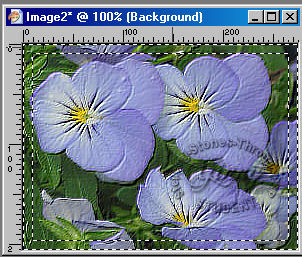 contract10
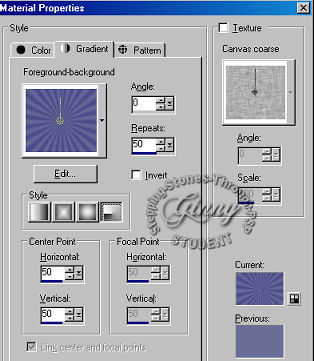 material_palette
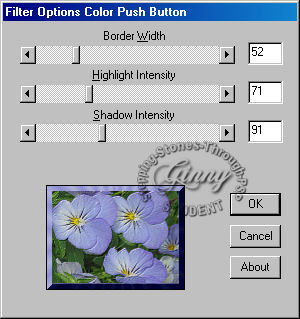 bordermania
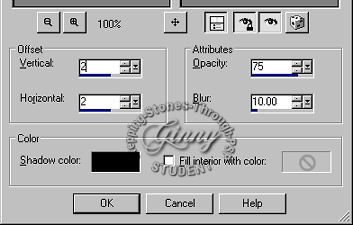 cutout